PRE-LAUNCH SALE Ends on September 30
Rescue your VHS & DVD Memories NOW!
Convert old VHS, miniDV, Hi8, miniDVD and similar media into usable digital files safely and confidently.
Videotape degrades over time; DVDs get scratched and become unreadable - which means all your precious home movies stored on those tapes and discs will fade away into dust, and you'll never be able to watch them again.
All those birthdays, graduations, holidays, christmases, weddings - and you're children being born. GONE.
But it's NOT TOO LATE if you act now.
Introducing Analog 2 Digital.
This simple course, Analog 2 Digital, will show you how to transfer your VHS, miniDV, Hi-8 and DVD home movie footage to your computer and into cloud storage to be viewed and downloaded.
Then you have the chance to turn them into meaningful stories and pass those memories down to future generations.
PRE-LAUNCH SALE!
Join before September 30 to get 50% off, early access, a private group where you get your questions answered daily, and more!
And lifetime access to everything is just $48 (Normally $97).
Offer expires soon.
Let's Face It...
Soon those VHS tapes will fade away into dust.
❌
Signals fade
The oxide on your home movie tapes degrades over time.
Tapes typically lose 10-20% of their video and audio quality every 10 to 25 years.
That's a lot of memories
fading away.
❌
Tapes break or get moldy.
Tapes snap and disappear inside the casing. You can lose large sections of the tape or sometimes the whole tape.
Tapes also get moldy and can become uplayable.
❌
DVDs get scratched
DVDs get scratched and can become unplayable. The camcorder or computer simply just can't read the whole disc.
That's a whole disc of family memories – GONE.
You need to rescue them NOW.
Introducing
Analog 2 Digital
✅
Preserve memories
Make those precious moments eternal and create a legacy to be cherished through the ages.
✅
Simple Software
Effortlessly conquer
user-friendly ingest software, and let your precious memories take center stage.
✅
Low Tech
Very little technical skills are required to rescue your precious memories off VHS and cam-corder original tapes.
Plus So Much More!
Scroll down to see everything you get lifetime access to...

“Tim Webster is the best in the business and transferred all our VHS tapes. We have enjoyed watching hours of memories from our family holidays to all our now adult kids as babies. He did a fantastic job and we highly recommend!
👏👏👏”
– Mandy L, 52.
“This course made rescuing our family movies from VHS and old camcorder tapes unbelievably easy. I converted decades of footage in a single afternoon — no tech skills required.”
— Emily R. 58
“I was amazed at how simple the process was. The clear, step-by-step lessons turned a daunting pile of tapes into digital memories I can finally share with the family.”
— Carlos T. 62
Module 1:
What You've Got
Identify common tape formats
Understand which tapes are likely to need urgent transfer.
Learn what equipment you may already own.
Module 2:
What You Need
VHS player or camcorder
Capture device options
Cables, adaptors, and computer setup
Recommended file storage setup

Module 3:
The Transfer Process
Connect gear properly
Capture the footage
Check picture and audio quality
Save and backup files properly
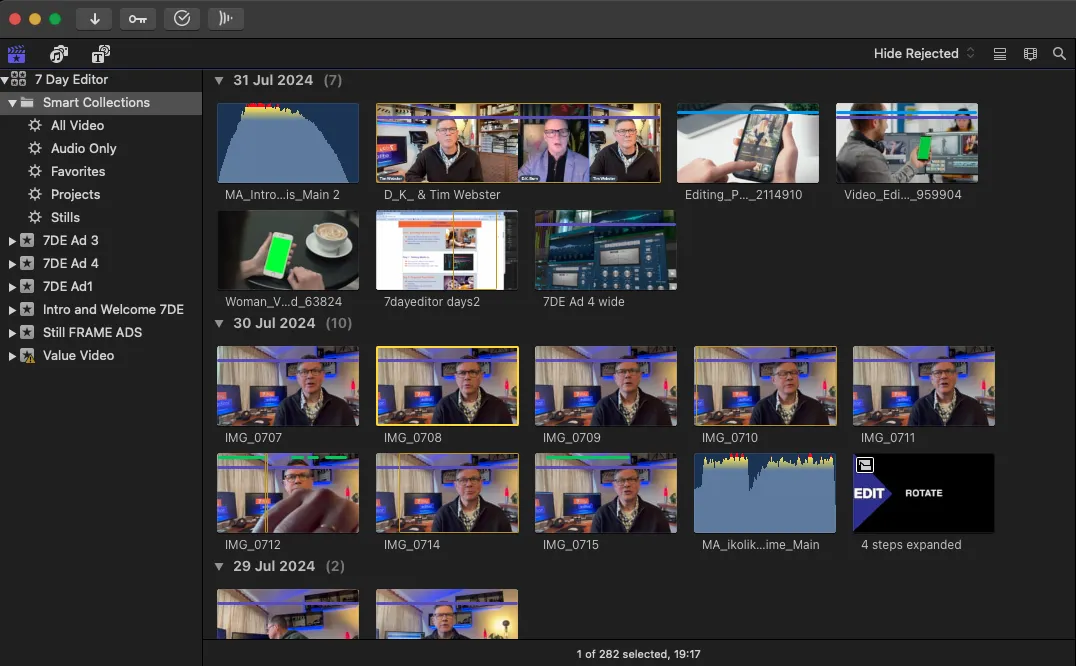
Module 4:
Fix The Basics
Trim obvious dead space
Basic deinterlacing
Light cleanup
Simple file naming and organisation
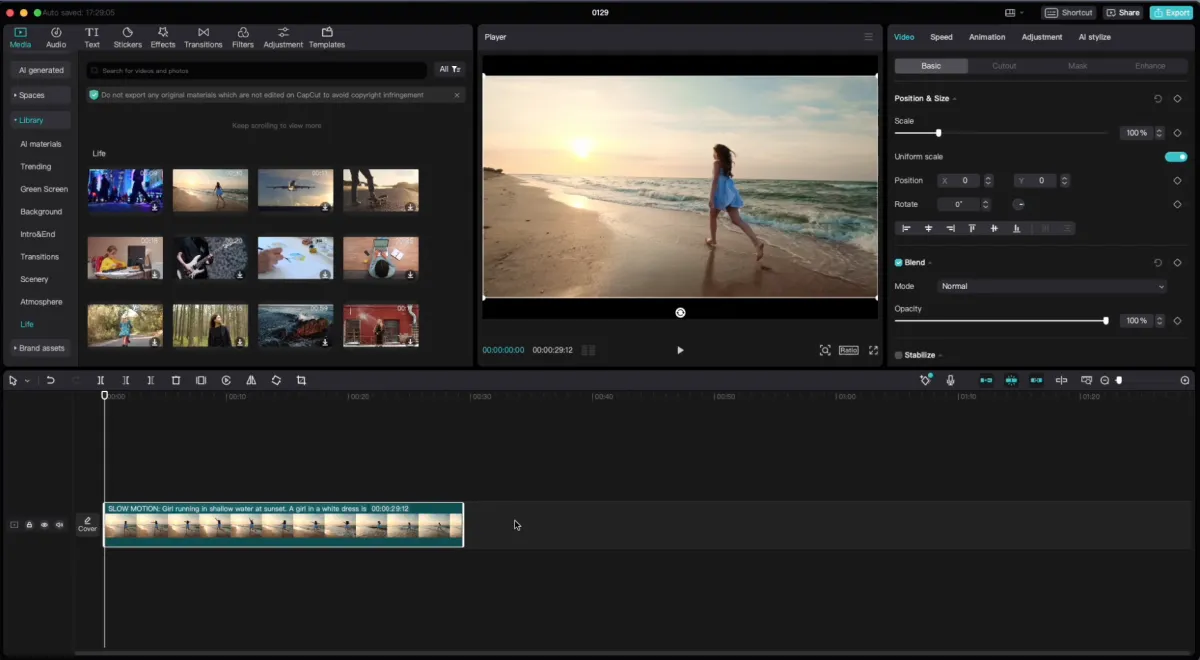
Module 5:
Quality Control
Spot bad transfers
Know when to retry
Avoid common mistakes
Export a clean archive copy
Bonus Module:
AI Cleanup
When AI helps
When AI makes things worse
Fade in/out, zooms, crop
Fixing shaky footage
Limited Time Pre-Launch Bonuses
Amazing Bonuses
Private Community:
Get all your questions answered daily so you are never second guessing or wasting time!
Other Bonuses:
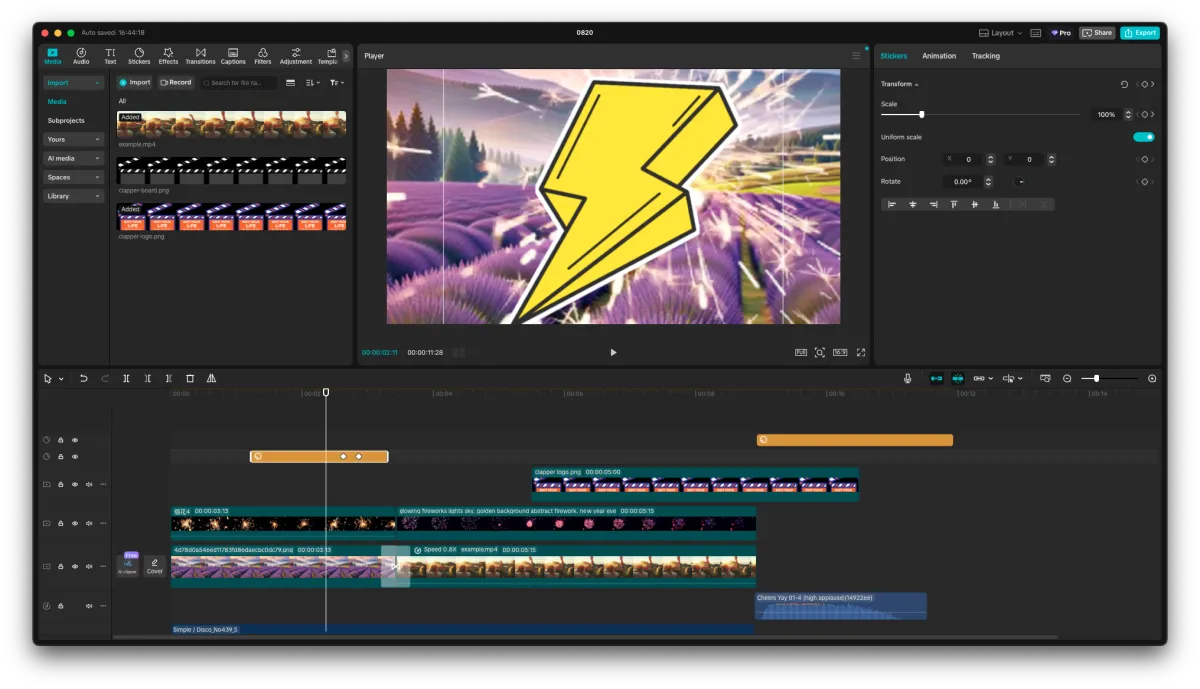
Huge discounts to stock footage and motion template subscriptions:
$50 off Motion Array motion templates, royalty free music, sound effects, & stock footage.
2 months free on Artlist and Artgrid's motion templates, royalty free music, sound effects, & stock footage.
Meet Your Instructor
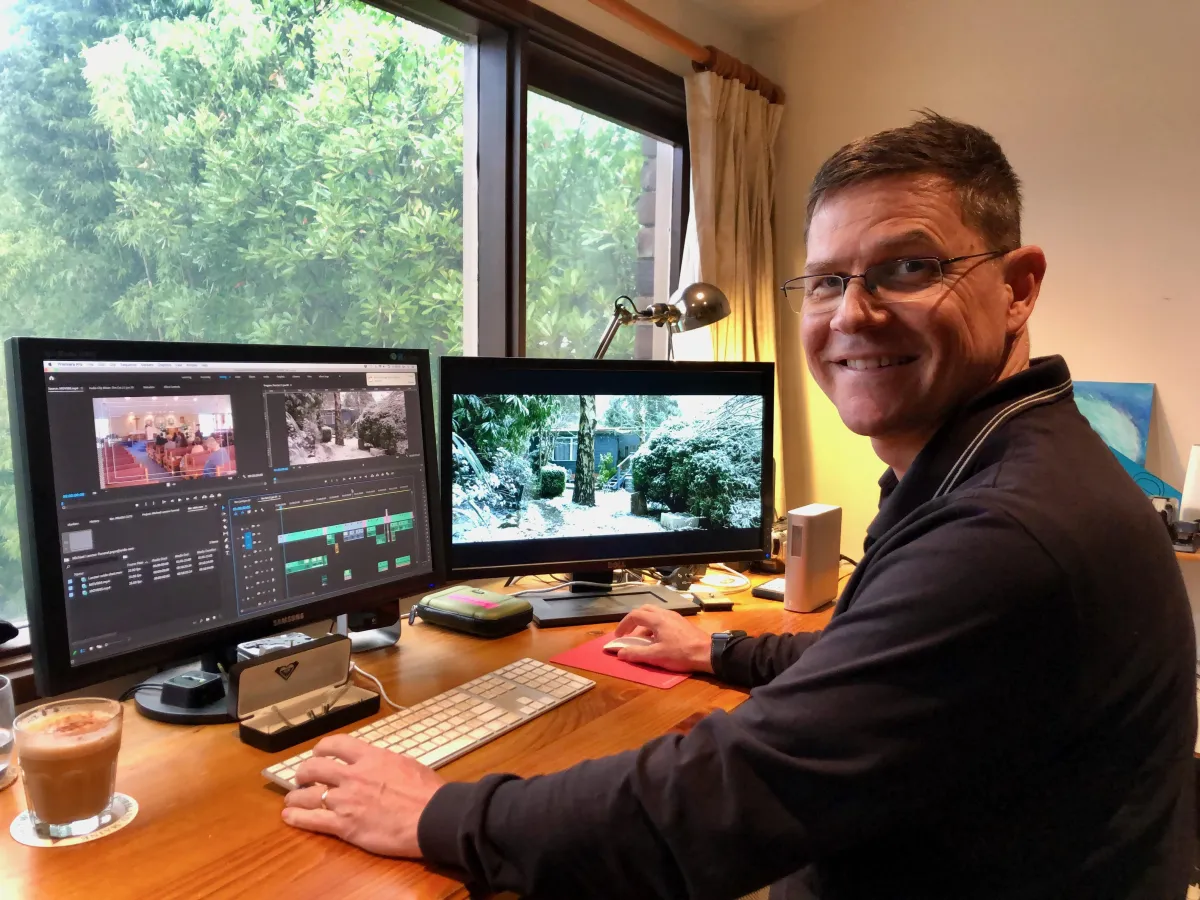
My name is Tim Webster and I've been a video editor for over 30 years.
I started editing in Syracuse University back in the days of 3/4" tape machines and large analog edit suites. I started at the bottom of the ladder, wheeling carts of video tapes into edit suites in Hollywood for the pop stars' music videos and prime time sit-coms. Who's The Boss was the biggest sitcom at the time and we edited all the shows and promos.
Now it's the digital age, I'm an accomplished video editor/producer, and I can fit a whole edit suite onto a 13 inch laptop! Not to mention on a mobile phone in my pocket... AND i still love it. I've cut movie promos, sizzle reels, trailers, interviews, documentaries, behind the scenes, featurettes, movie review shows, you name it and I've probably cut it!
And the biggest thing I've learned throughout this entire journey is this:
Anyone can be creative. It doesn't matter which editing software you use, or how fancy your gear is, and you don't need fancy transitions or effects to make your videos look good. You just need to know how to tell a good story.
And I'm here to help you tell a great story, with your pile of cherished footage.
I'll make that scary tech all of a sudden seem easy, so you can get on with the storytelling.
I hope you're as excited as I am for you to begin this journey!
Who Is This Course For?
Have old VHS, Hi8, miniDV, or DVD camcorder footage sitting in boxes.
Want to preserve family memories before the tapes degrade further.
Feel overwhelmed by the technical side of digitising.
Want help turning long, awkward footage into something actually watchable.
People in their 40s to 70s who have boxes of old tapes.
Adult children helping parents preserve family history.
Couples wanting to repurpose old wedding footage.
Families dealing with memorial or legacy projects.
Who Is This Course NOT For?
Your aren't willing to take instructions and prefer to figure things out on your own with trial and error.
You'd rather let your memories on VHS and DVD just fade away.
Professional video editors
STILL NOT SURE?
Frequently Asked Questions
Do I need to be tech‑savvy to do this?
No. This course is designed for beginners and non‑editors. I walk you through every step in plain language, from identifying your tapes to capturing your first digital file. If you can follow simple checklists and plug in a few cables, you can do this.
What equipment do I need?
You’ll need:
• A working VHS player, Hi8 deck, or miniDV camcorder (depending on your tapes)
• A basic video capture device (I’ll show you what to look for and what to avoid)
• The right cables and adapters for your gear
• A computer with enough storage for your footage
I give you specific recommendations and setup options so you don’t waste money on the wrong gear.
Is this for PC or Mac?
You can follow along on both. We’ll show options for both Windows and Mac users, and even give mobile-friendly tips if you're working from a phone or tablet.
Can I use this course to edit old home videos?
Yes! This course is ideal for organizing and editing home videos, old family footage, travel clips, or even old VHS/DVDs if you’ve digitized them

Do I need video editing software to complete this course?
No. Analog 2 Digital focuses on getting your footage off the tapes and into clean, organised digital files. You can absolutely do the whole course without any editing software. Later, if you want to turn that footage into a polished movie, I offer a separate course that teaches you exactly how to do that.

Can I use AI to clean up my old footage?
AI can help in some cases, but it can also make old video look worse if used incorrectly. In the bonus module, I show you when AI enhancement is worth it, when it’s not, and how to use it wisely so you don’t ruin your only copy.
What if my tapes are damaged or don’t play properly?
Some tapes can be cleaned or played on different machines to improve results, but badly damaged tapes may not be fully recoverable. The course teaches you how to spot potential issues, test your tapes safely, and decide when it’s worth trying again or seeking professional help.
Is this cheaper than sending my tapes away to a service?
For a few tapes, a professional service can make sense. But if you have a lot of tapes, or you want full control over your files, doing it yourself with this course is usually far more cost‑effective. You also keep the original files, can make as many copies as you like, and you learn a skill you can use again and again.
Is there a guarantee?
Absolutely! has a 7-Day Satisfaction Guarantee. If you are not completely SATISFIED and ENLIGHTENED by the Program, then contact us within 7 Days for a full refund, no questions asked!